Meetings
Isolate voices from background noise, hum, and cross-talk. Automatic speaker detection with confidence.
Voice isolation for recorded audio
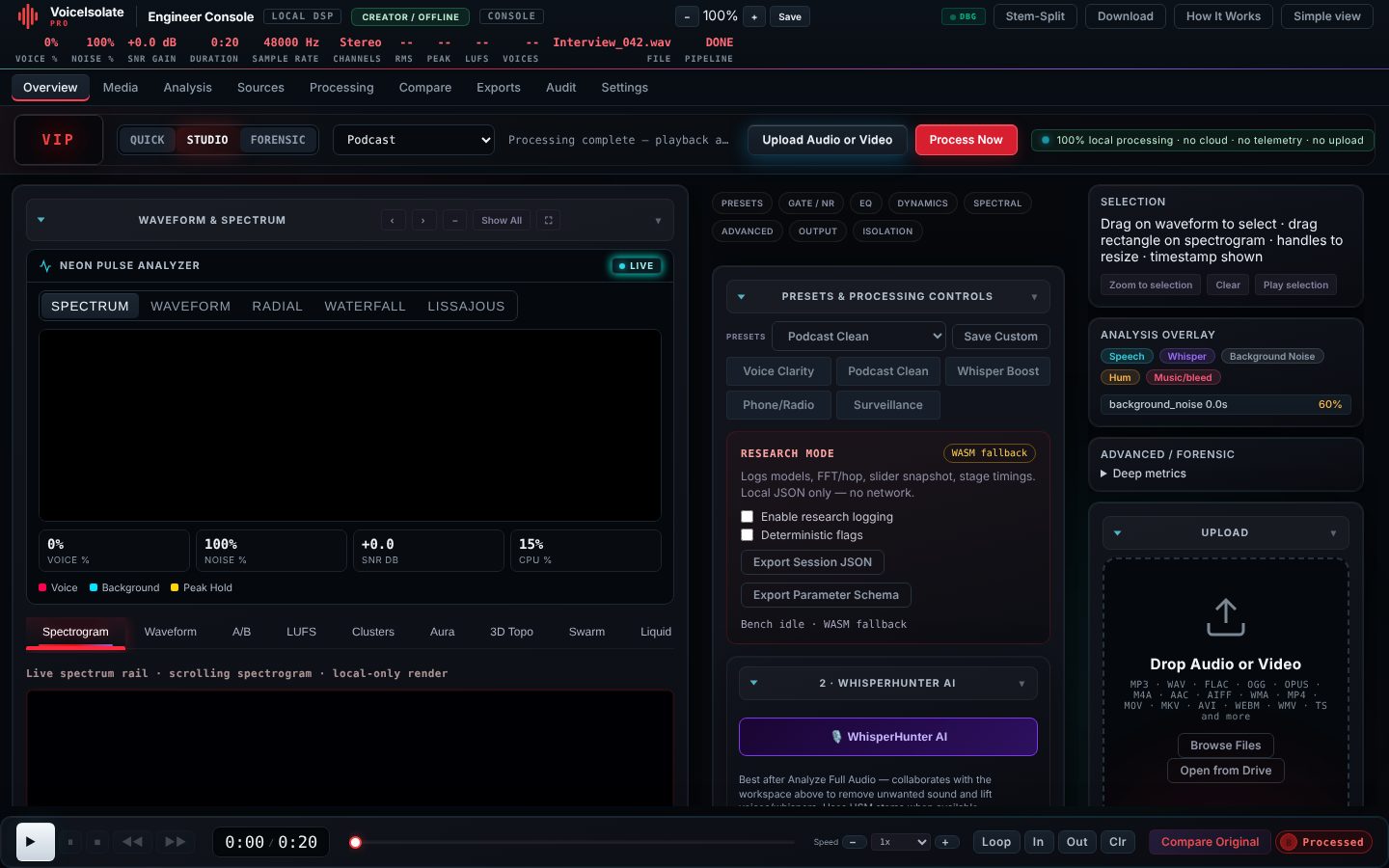
Choose a recording and VoiceIsolate Pro splits it into a clean voice and the background, then lets you remix the two. For interviews, meetings, voice memos and field recordings where speech is hard to hear. Processing happens on this device, so your audio is never uploaded to our servers.
One forward STFT. In-place spectral work. One inverse STFT. Audio is decoded locally; batch ML never runs from a slider.
Upload-only file pick. No microphone.
Local decode to 48 kHz buffers.
Batch ONNX in a worker (BS-RNN default).
Fused masks on one STFT representation.
One inverse STFT. No extra phase passes.
Zero-ML playback graph: gains, EQ, gate, de-esser.
Local encode. Optional user-initiated Drive save.
Explicit Process / Separate. ONNX in MLWorker. Sliders do not retrigger it.
AudioParam + Gate/De-Esser worklets on already-separated stems. Immediate, reversible.
No cloud inference. Optional Drive I/O is user-initiated file transfer only.
Isolate voices from background noise, hum, and cross-talk. Automatic speaker detection with confidence.
Recover whispers and faint speech in noisy environments. Works offline in the field once it has loaded.
Forensic inspection with spectrogram time-frequency selection and Removed (Delta) audition.
Clean voice for podcasts and video. Preserve raw as immutable, process non-destructively.
Audio or video · decoded at 48 kHz on your device. Nothing is uploaded to a server. Analysis starts automatically after import.
Drop audio or video here
WAV · MP3 · M4A · FLAC · OGG · MP4 · MOV and more
Import starts automatic local analysis — noise floor, VAD, whisper candidates, speakers. Profiles change processing behavior; Whisper Boost appears as a contextual action when relevant.
Checking local processing support…
Idle — choose a file to begin. Audio stays on device.
Picture only — this player is muted; the sound is the live-mixed processed audio below.
Audition what processing removed so accidental speech destruction is detectable. Raw is immutable.
Source separation, VAD, whisper detection, noise classification, mask generation happen automatically behind the scenes as part of local analysis. Overlays: Speech, Whisper, Background Noise, Hum, Music / bleed, Candidate secondary speaker.
Speakers detected on the isolated voice stem — entirely on your device.
Need per-band EQ, dynamics, gate, per-speaker lanes or forensic views? Open the Engineer Console.
The full precision workstation: signal-first canvas, 67 controls, source lanes and forensic inspection, all running locally.
One primary action: import, automatic analysis, recommended enhancement, A/B, export.
Open QuickOptimized for multi-speaker isolation and background suppression.
Open MeetingDefault professional shell with signal-first canvas and full local DSP.
Open StudioSpectrogram-first workspace with time-frequency selection and advanced inspector.
Open ForensicTrust · Privacy
100% local processing with WebGPU/WASM. No cloud upload required, no telemetry for audio processing, and you keep control of the original audio. Raw source is immutable; processed and removed are derived views. No fabricated customer counts or quality percentages.
Models run in a Web Worker on your device (WebGPU when available, WASM fallback). No microphone access, no audio upload to our servers, no telemetry.
Backend: detecting…